Slackware
Stable. Minimal. Uncompromising. The Linux distribution that keeps things simple.
Start with SlackwareOld-school computing. New-generation curiosity.
Learn Linux, BSD, networking and computer security in plain English. Real commands, practical projects and zero gatekeeping. No hoodies required.
Free to learn · No account required · Learn at your own pace
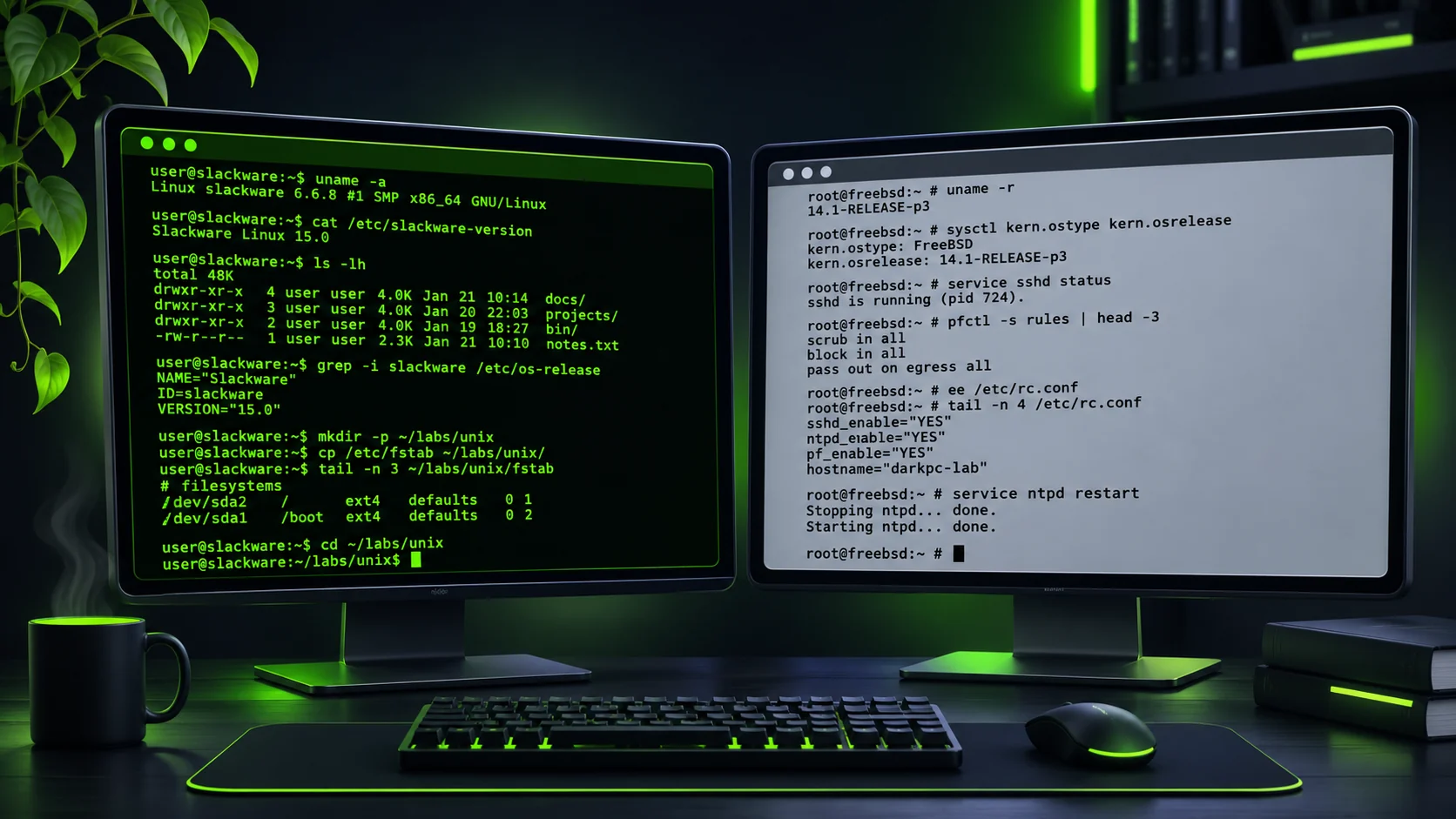
Try your first ten Linux commands without memorising a textbook.
Begin here → STEP 02Know your way aroundLearn folders, paths, hidden files and where things live.
Explore files → STEP 03Practise in Unix SchoolExperiment with 30 commands in a safe browser simulator.
Launch the lab → STEP 04Understand permissionsSee how Unix read, write and execute permissions really work.
Keep learning →Build skills with your own equipment, virtual machines and authorised test environments. A good security mindset begins with curiosity, permission and responsibility.
Explore Lab 001 with Kali Linux, Docker and Slackware, then Lab 002 with tmux, Python, curl and tcpdump. Learn networking and HTTP traffic analysis in a safe, local practice environment.
Safety first: test only systems you own or have permission to assess.
DarkPC Terminal v0.1 — simulated commands only. No actual server shell access.
DARKPC SYSTEMS // Trial Build
Platform: Static HTML + CSS + JavaScript
Server-side command execution: Disabled
Site focus: Slackware Linux, shell culture, IRC
Security: No accounts, tracking or external libraries
Inspired by a real hobby build:
Dell OptiPlex 7070 Micro · Slackware 15.0 · Bash · console-first computing.
These are site/project details — not a live scan of your computer.
[ CHANGELOG / TRIAL 01 ]
+ Original Luna hero image
+ Responsive dark homepage
+ Interactive simulated Linux commands
+ Slackware, Projects, Tools, IRC and Journal sections
Next: more retro IRC tutorials, downloads, a project journal and contact details.
Security note: This is a playful browser-only terminal. It cannot run Linux commands or access the server.
Our favourite starting points and old-school deep dives. Slackware, FreeBSD, OpenBSD, NetBSD, IRC and terminal tools are all here. For the full searchable library, visit the Guides page.
Stable. Minimal. Uncompromising. The Linux distribution that keeps things simple.
Start with SlackwareOne little Dell, two operating systems and endless terminal adventures.
Browse buildsShell snippets, networking, console tools and dotfiles. No unnecessary bloat.
Open cheat sheetOld-school chat. Real conversations. The DarkPC community is still an idea.
Learn Irssi basicsNotes from the dark side. Linux tinkering, discoveries and the occasional disaster.
Browse tutorialsA refurbished Dell OptiPlex 7070 Micro, dual-booting Slackware 15.0 and Windows 11. Rediscovering the shell, one blinking cursor at a time.
Installation notes and a proper walkthrough are on the way.
Terminal configuration, irssi, text-mode browsing, mutt email and a fully documented command toolbox.
[ COMPILING IDEAS ... ]
Explore the terminal ↗“The quieter the system, the louder you think.”— Luna ☾